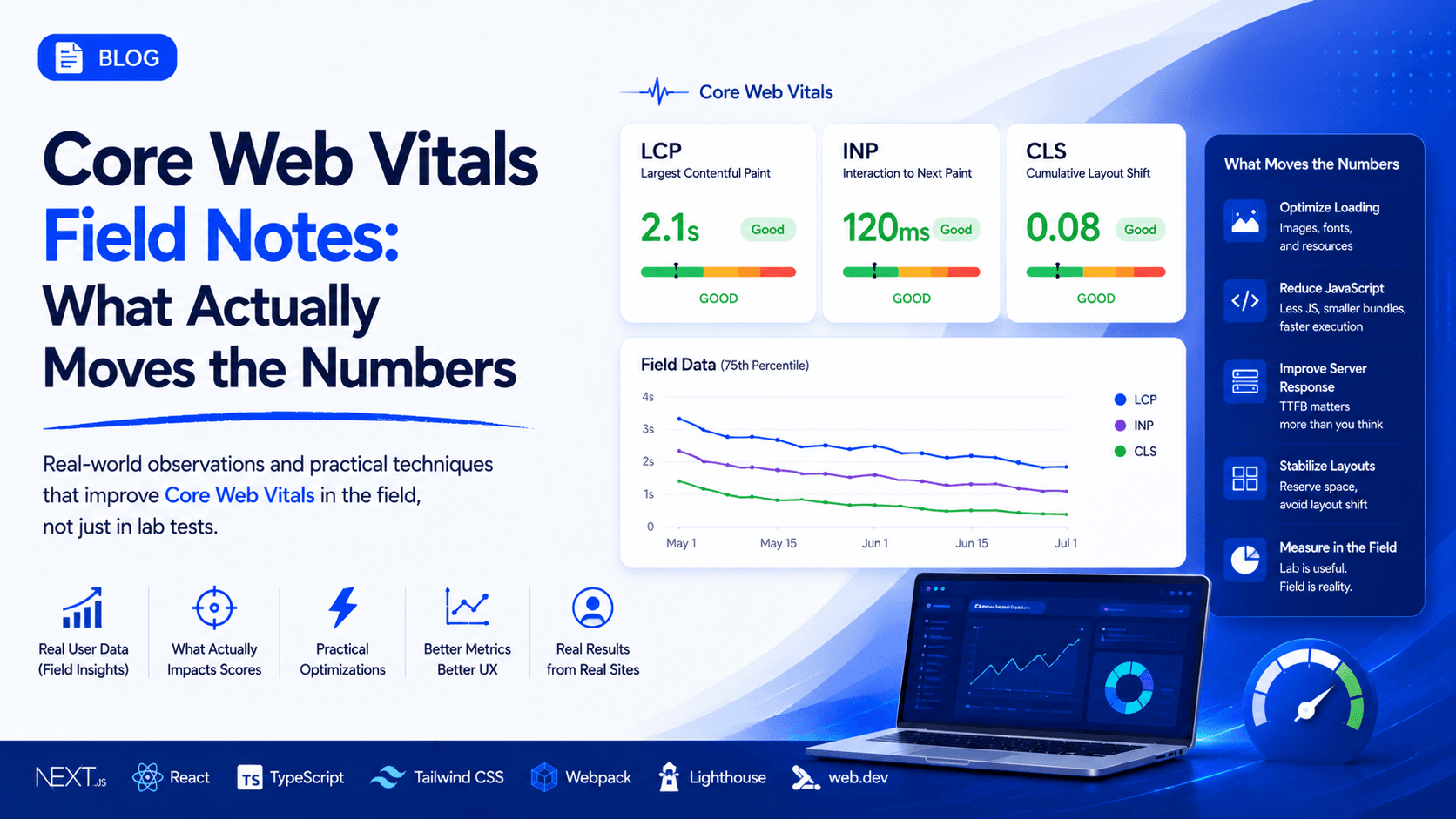
Core Web Vitals Field Notes: What Actually Moves the Numbers
Performance lessons from the field, not the lab. How I think about LCP, INP, and CLS as a frontend engineer shipping to real users on real networks.
Every team I join has the same relationship with performance. Everyone agrees it matters, a Lighthouse score gets screenshotted into a Slack channel once a quarter, and then nothing changes. The score is green in CI and red in the field, and no one can explain the gap.
These are my field notes on closing that gap. Not a tutorial on what LCP stands for, you can get that anywhere. This is what I have actually seen move the numbers on production sites with real traffic, and the places I have wasted weeks chasing the wrong thing.
The lab lies, and that is the whole problem
The single most important mental shift is separating lab data from field data.
Lab data is what Lighthouse and your CI pipeline produce. One machine, one throttled network profile, one cold run. It is reproducible, which makes it great for catching regressions. It is also a fiction. No real user is your exact test machine.
Field data is what real people experience, aggregated by the Chrome User Experience Report and surfaced through the web-vitals library or your RUM tool. It is messy, it lags by 28 days in CrUX, and it is the only number that affects your users or your search ranking.
I have shipped a change that improved the Lighthouse score by 15 points and did nothing measurable in the field. I have also shipped a change that CI barely noticed but cut real-world LCP by a full second. If you optimize for the lab, you optimize for a machine that does not buy anything from you.
The rule I work by now: measure in the lab to prevent regressions, decide in the field to prioritize work.
Get real measurement in before you touch anything
Before optimizing, I instrument. The web-vitals library is tiny and it is the source of truth for what your actual users feel.
import { onLCP, onINP, onCLS } from 'web-vitals';

function report(metric) {
  // send to your analytics endpoint, keyed by route, device, and connection
  navigator.sendBeacon('/rum', JSON.stringify({
    name: metric.name,
    value: metric.value,
    id: metric.id,
    rating: metric.rating,
    path: location.pathname,
  }));
}

onLCP(report);
onINP(report);
onCLS(report);
The part people skip is the dimensions. A single p75 LCP number for the whole site is nearly useless. Segment by route, by device class, and by connection type. The story is almost never "the site is slow." It is "the product detail page is slow on mid-tier Android over 4G," and that is a problem you can actually solve.
Look at p75, not the average. Averages hide your worst experiences behind your best ones. Google grades you at the 75th percentile, so that is the user you are being scored on.
LCP: it is almost always the network, not the render
Largest Contentful Paint is the metric people misunderstand most. They assume it is a rendering problem and start optimizing JavaScript. In my experience LCP is a resource delivery problem far more often than a rendering one.
Break LCP into its phases: time to first byte, resource load delay, resource load time, and render delay. When I profile a slow LCP, the damage is usually in the first three, before a single pixel is painted.
What has consistently paid off:
Find the actual LCP element first. Do not guess. Chrome DevTools tells you exactly which element it is. Nine times out of ten it is a hero image or a heading blocked by a web font. Optimize that one element, ignore everything else for now.
Preload the LCP resource and nothing else. <link rel="preload"> is a loaded gun. Preload the hero image, and only that. I have seen teams preload a dozen things, which just moves the congestion around and delays the one resource that matters.
Stop lazy-loading above the fold. This is the most common self-inflicted wound I find. Someone adds loading="lazy" to every image as a blanket rule, including the hero. Now the single most important image waits for layout before it even starts downloading. Lazy load below the fold, eager load above it.
Serve the right image. Correctly sized, in AVIF or WebP, with a real srcset. A hero image that is 1.2 MB because it is a full-resolution JPEG is the entire problem, and no amount of clever code fixes a fat payload.
Fix TTFB at the source. If your server takes 800 ms to respond, your LCP ceiling is already blown before the browser does anything. That is a backend or caching conversation, and pretending it is a frontend problem wastes everyone's time. Edge caching and streaming SSR are where the real wins live here.
INP replaced FID, and it is much harder to fake
Interaction to Next Paint went from experimental to a Core Web Vital, and it is the metric that separates sites that feel fast from sites that only score fast. Its predecessor, First Input Delay, only measured the delay before processing the very first interaction. INP measures the full latency of the worst interactions across the whole session, from tap to painted result.
You cannot game this one. It reflects how much work your main thread is doing when a user tries to do something.
Where I focus:
Break up long tasks. Any task over 50 ms blocks the main thread and any interaction that lands during it. The fix is to yield. scheduler.yield() where it is supported, or breaking work across frames. Stop processing a 5,000 item array synchronously in a click handler.
Move the response off the critical path. When a user clicks, paint the acknowledgment first, then do the heavy work. Show the menu opening, then hydrate its contents. The user needs to see that their input registered inside 100 ms or so, not that everything finished.
Audit third-party scripts honestly. The analytics tag, the chat widget, the tag manager. They run on your main thread and they compete with your users' interactions. I have cut INP in half by deferring or removing scripts that no one could justify keeping.
Watch hydration. In a lot of React and Next.js apps, the worst INP happens in the first few seconds after load, while the framework is hydrating and the main thread is saturated. The page looks ready and interactive, but taps queue up behind hydration work. This is where server components, streaming, and selective hydration earn their keep. Ship less JavaScript, hydrate less eagerly.
CLS: the cheap win everyone leaves on the table
Cumulative Layout Shift is usually the easiest of the three to fix, and it is the one that most visibly makes a product feel broken. It is content jumping around while the page loads, and it comes from a short and predictable list of causes.
Images and video without dimensions. Always set width and height attributes, or use aspect-ratio in CSS. The browser reserves the space before the asset arrives, and nothing jumps.
Web fonts swapping. The layout reflows when a custom font replaces the fallback. Use font-display: optional or swap deliberately, preload the font, and match the fallback metrics with size-adjust so the swap is invisible.
Injected content. Banners, cookie notices, and ad slots that push content down after the user has started reading. Reserve their space up front. Never insert content above content the user is already looking at.
Animate the right properties. Animate transform and opacity, which the compositor handles and which do not trigger layout. Animating top, left, width, or height forces reflow and can register as shift.
CLS tends to stay fixed once you fix it, unlike LCP and INP which drift as the codebase grows. Fix it once, then guard it in CI.
The organizational part, which is the actual hard part
The technical fixes above are the easy 20 percent. The reason performance rots on most teams is not a lack of knowledge, it is a lack of a ratchet. You do the work, the numbers get better, and six months later they are worse than when you started because every feature since added weight and no one was watching.
What has actually worked for me:
Put a performance budget in CI and fail the build on regressions. Not a dashboard someone checks. A gate. A pull request that pushes the JavaScript bundle over its budget or regresses LCP in a lab test does not merge. Budgets that are advisory are ignored, budgets that block get respected.
Make the field data visible where the team already looks. A RUM dashboard no one opens is theater. I put the p75 numbers, segmented by the routes that matter, somewhere the team sees them without trying.
Attach performance to a business number. Engineers respond to metrics, leadership responds to conversion, revenue, and bounce rate. The literature connecting speed to those outcomes is deep and consistent. Frame it that way and the work stops being a hard sell.
Treat regressions as bugs, not chores. When LCP regresses on the checkout page, that is a defect with a ticket and an owner, not a nice-to-have someone gets to when there is time. There is never time.
What I would tell someone starting today
Instrument first. You cannot fix what you refuse to measure, and the lab number is not the measurement that counts.
Find the single worst route on the single worst device and fix that, rather than spreading effort evenly across a whole app. Performance is not uniform, and neither should your attention be.
Learn what your LCP element actually is before you touch code. Half the LCP work I see is aimed at the wrong element entirely.
And put a ratchet in place, because a one-time cleanup that no gate protects will erode back to where it started. The goal is not a good score this quarter. The goal is a system where the score cannot quietly get worse.
Fast is a feature. Users feel it before they can name it, and it is one of the few things you can improve that helps literally everyone who touches the product.
Building something in this space?
I take on select builds when the work is worth doing right.